How Can We Help?
– Getting Logged In To GMDeputation.com
Welcome to GMDeputation! This article will help you get started by getting into the system.
The video below gives you a quick view of how to get logged in.
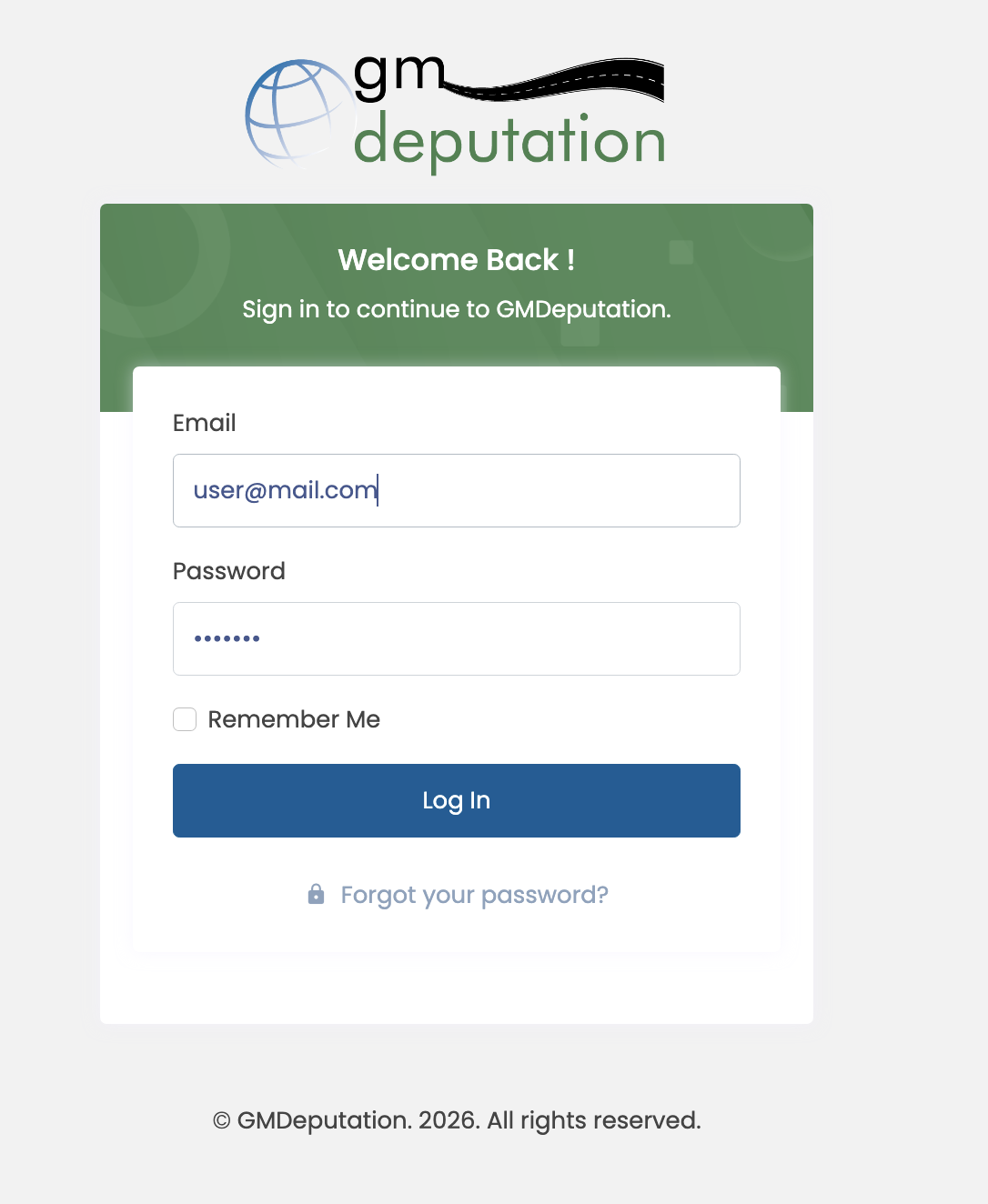
You probably got an email with your login information – your email (the email address at which you get notifications from GMDeputation like that one) is the login user name. The password would either have been sent to you in the email or you can reset it using the “Reset Password” link on the login screen.
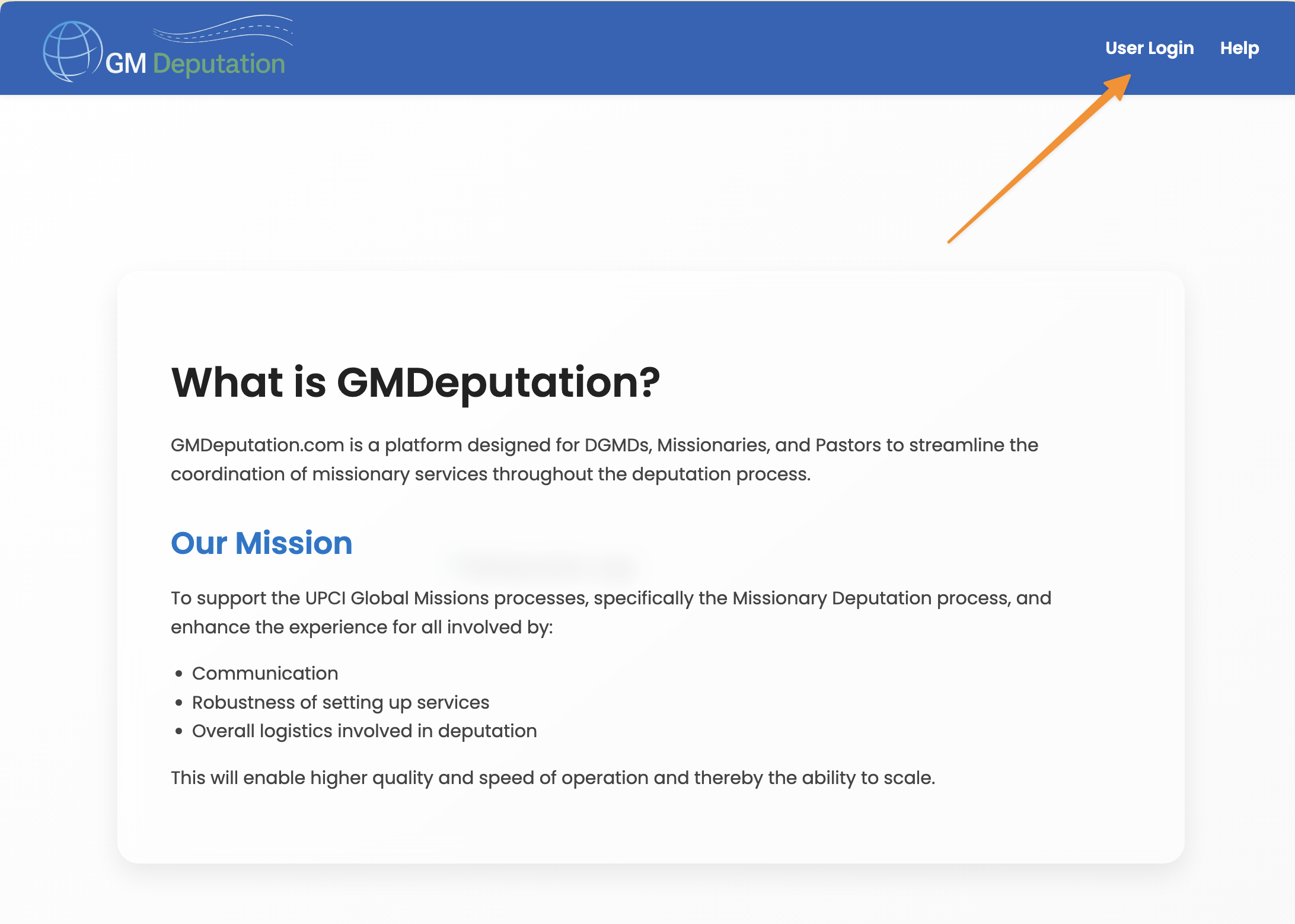
Then just either click the link or go to “gmdeputation.com” and click the “User Login” link on the upper right as shown:
Then fill in your email and password and login:
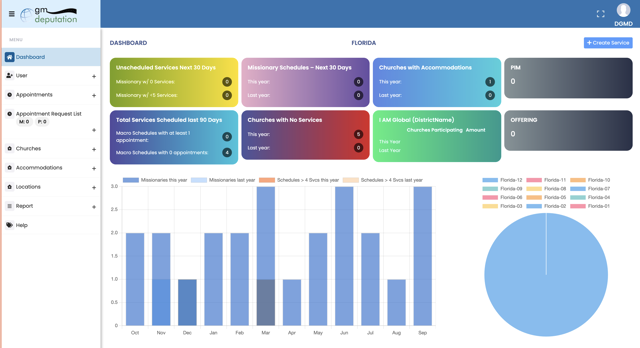
Once logged in you should arrive at the dashboard.